
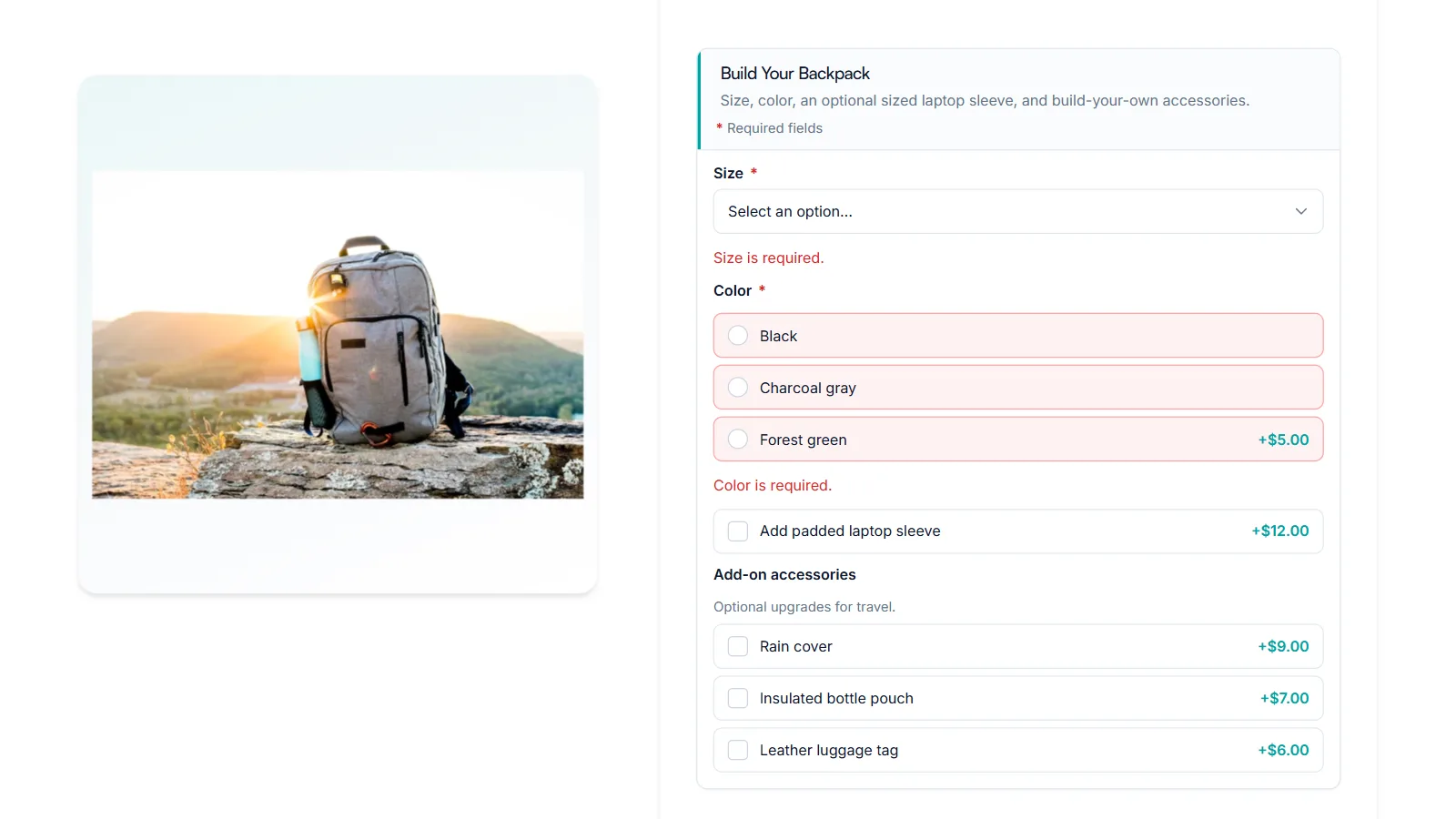
How to Make a WooCommerce Product Option Required
Stop orders arriving without a size, color, or engraving text. Here is how to make a WooCommerce product option required, what shoppers see when they skip it, and…
Stop orders arriving without a size, color, or engraving text. Here is how to make a WooCommerce product option required, what shoppers see when they skip it, and…

Radio buttons are the clearest way to ask for one choice from a short list. Here is how to create them, show each option’s price, and handle optional…

Use a dropdown when shoppers pick one option from a longer list. Here is how to add one, price each option, and avoid the one thing dropdowns hide…
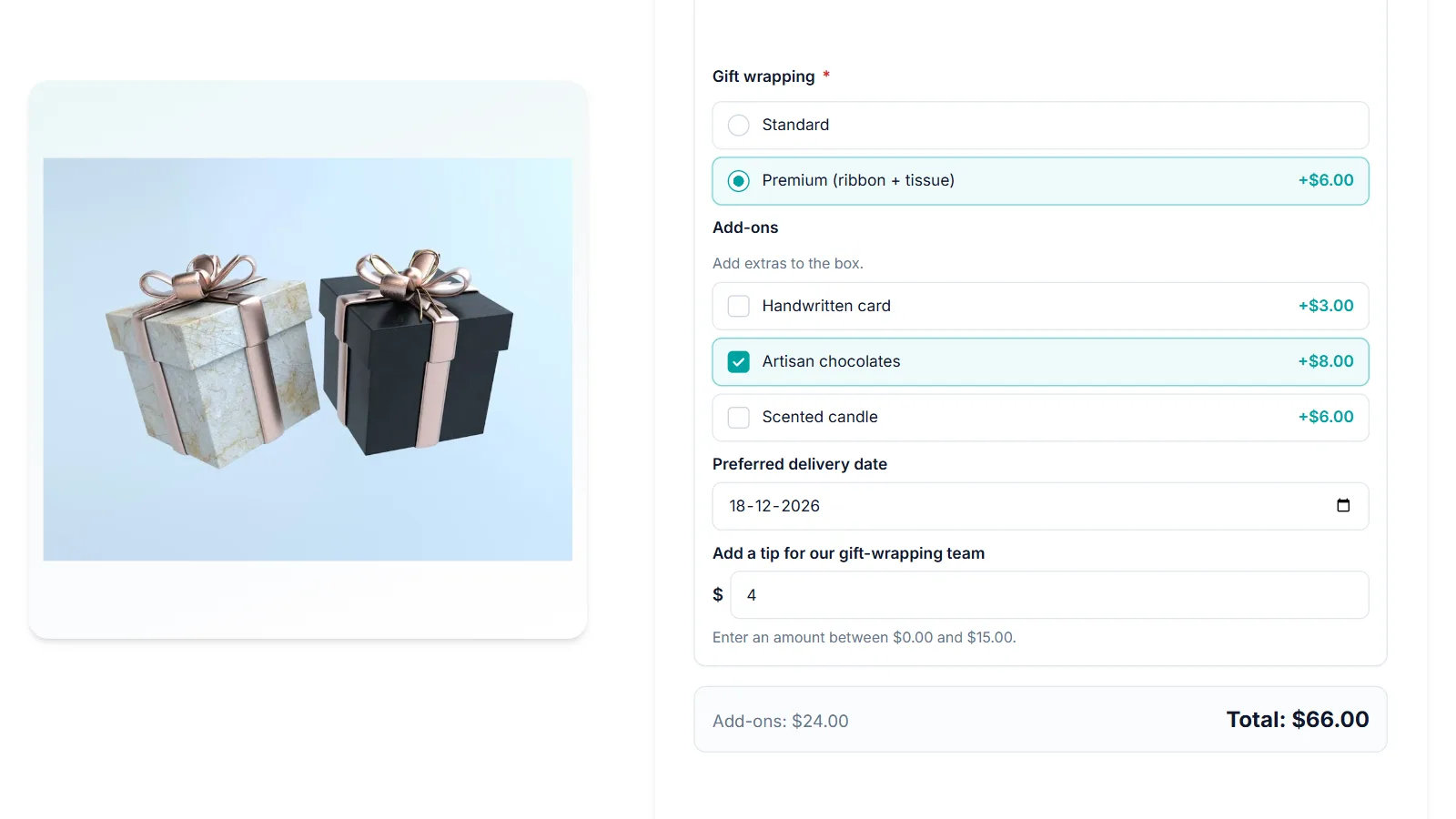
Ask for the date that matters on the product page: a delivery day, an event, or a date to engrave. Here is how to add a date picker,…

Let customers attach artwork, photos, or logos to the product they buy. Here is how to add a file upload field, limit file types and size, charge for…
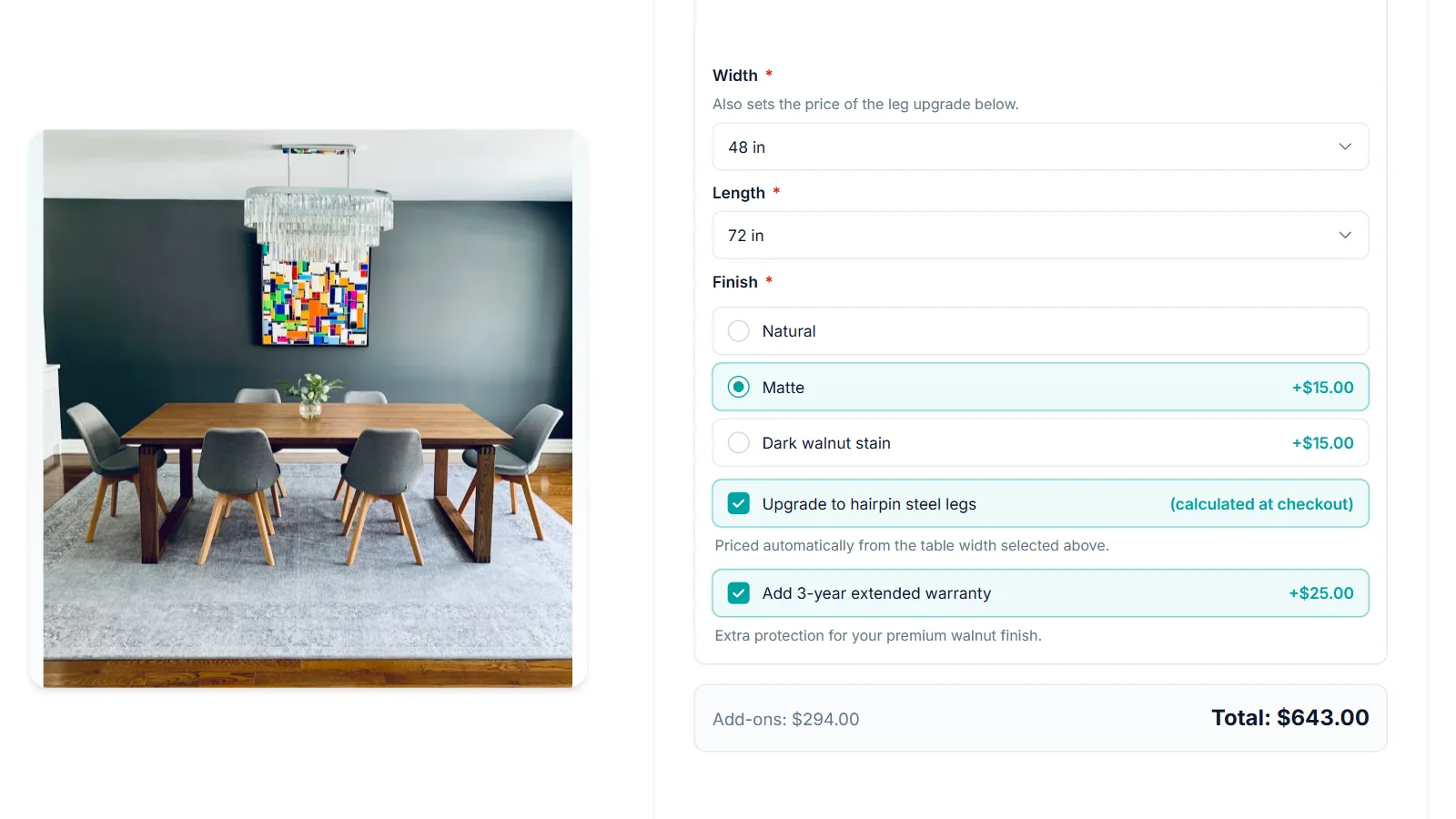
Fixed, percentage, or formula: here is how add-on prices work in WooCommerce, when to use each one, and how shoppers see the total change before they add to…

Add a paid gift wrap checkbox and a gift message box that only appears when shoppers choose wrapping. One add-on group, one conditional rule, and it works on…

A text field lets shoppers type a name, initials, or a short line for engraving. Here is how to add one, limit what they can type, charge for…
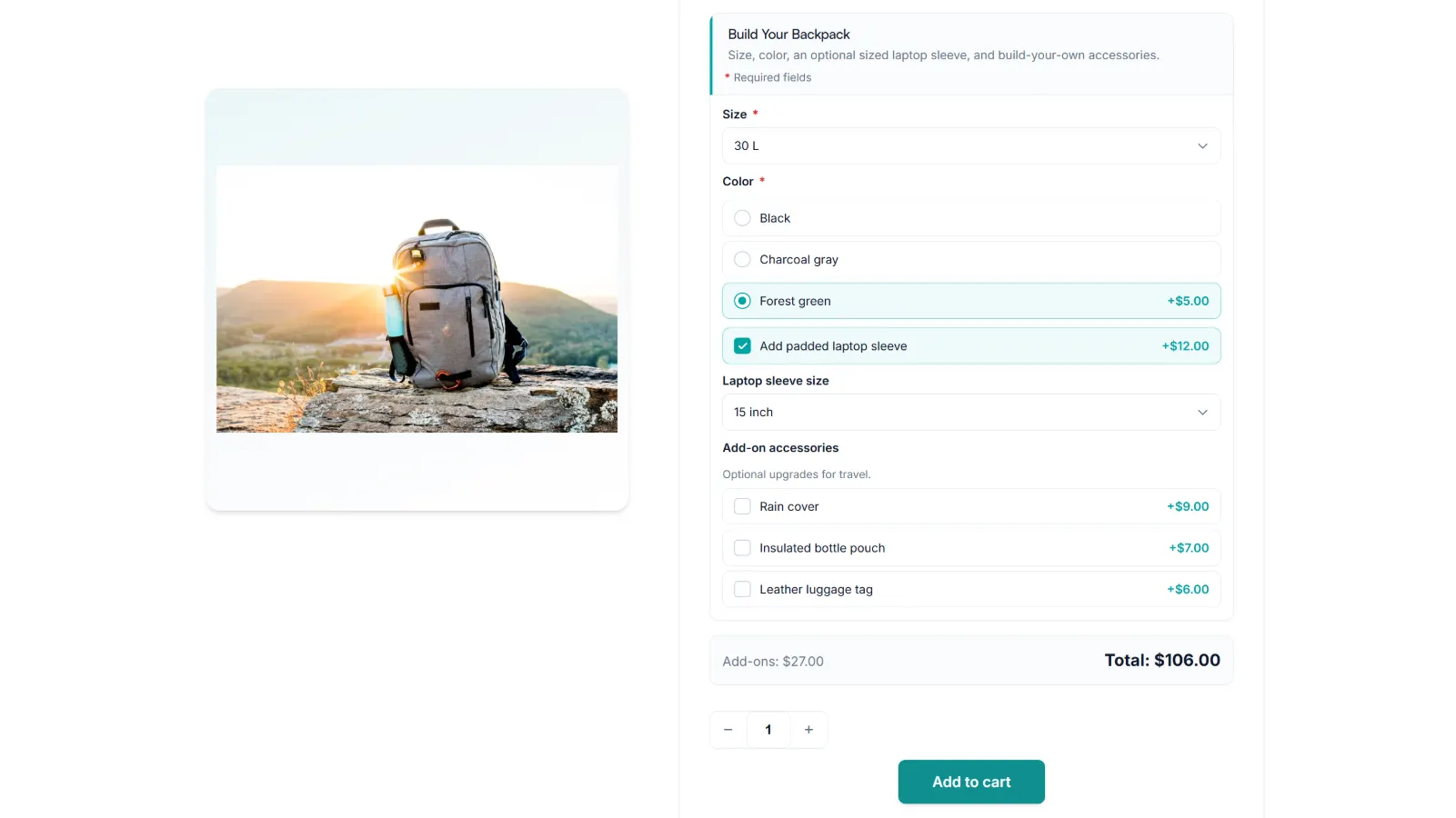
Upload the ZIP, activate the plugin, paste your license key, and build a first add-on group. Every step uses the real screen names, so you can follow along…