

WooCommerce Headless Product Add-Ons: 5 Easy Steps
A headless WooCommerce store with product add-ons means your frontend is a separate application — Next.js, another React framework, whatever you’re building with — reading data from WordPress…
Updates, product notes, and guides from Dhyan Software.
A headless WooCommerce store with product add-ons means your frontend is a separate application — Next.js, another React framework, whatever you’re building with — reading data from WordPress…

A small hand-rolled DI container, a Loader that defers hook registration, and seven service providers, each responsible for one concern.

The complete list of Smart Add-Ons PHP hooks, and a real working example for the one filter you will actually reach for.
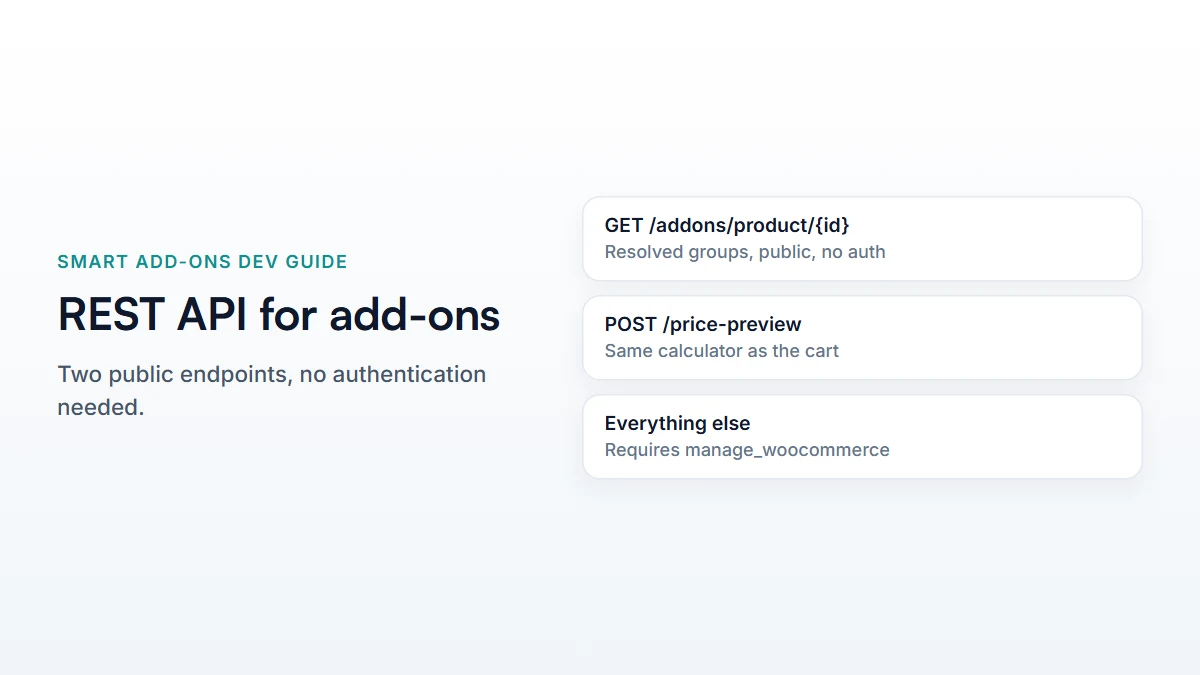
Two public, unauthenticated endpoints: one returns a product’s resolved groups, the other prices a selection using the same code as the cart.
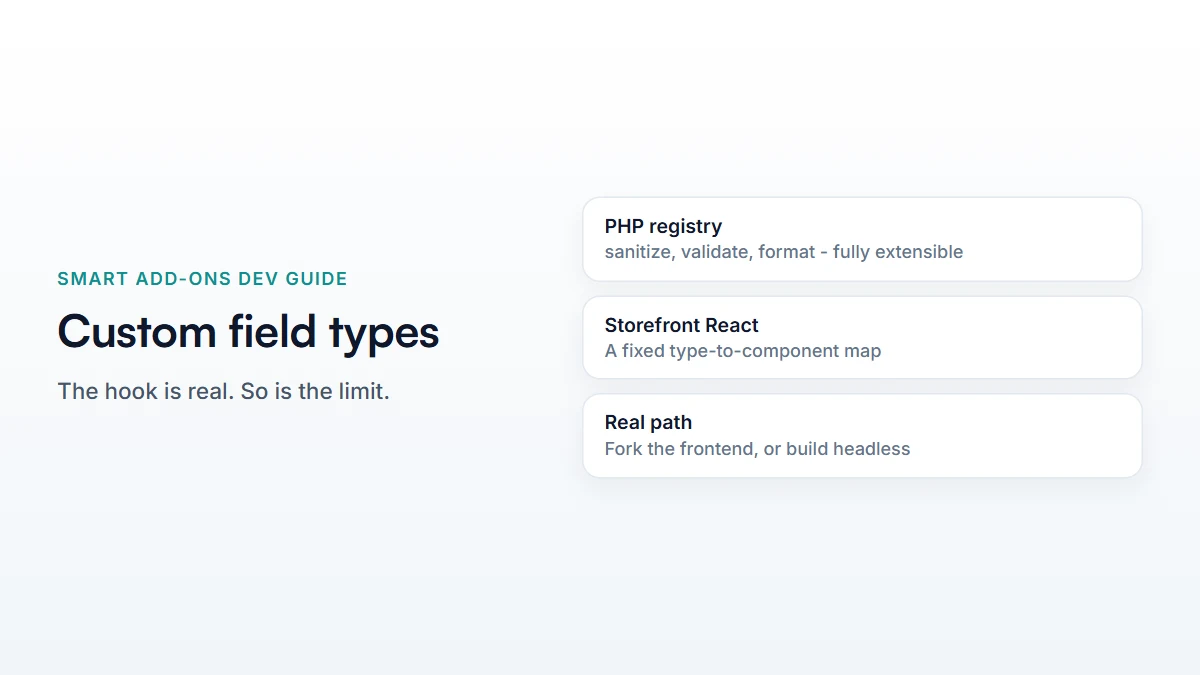
The real PHP extension point for a new field type, and the honest limit: no filter for the storefront React component.
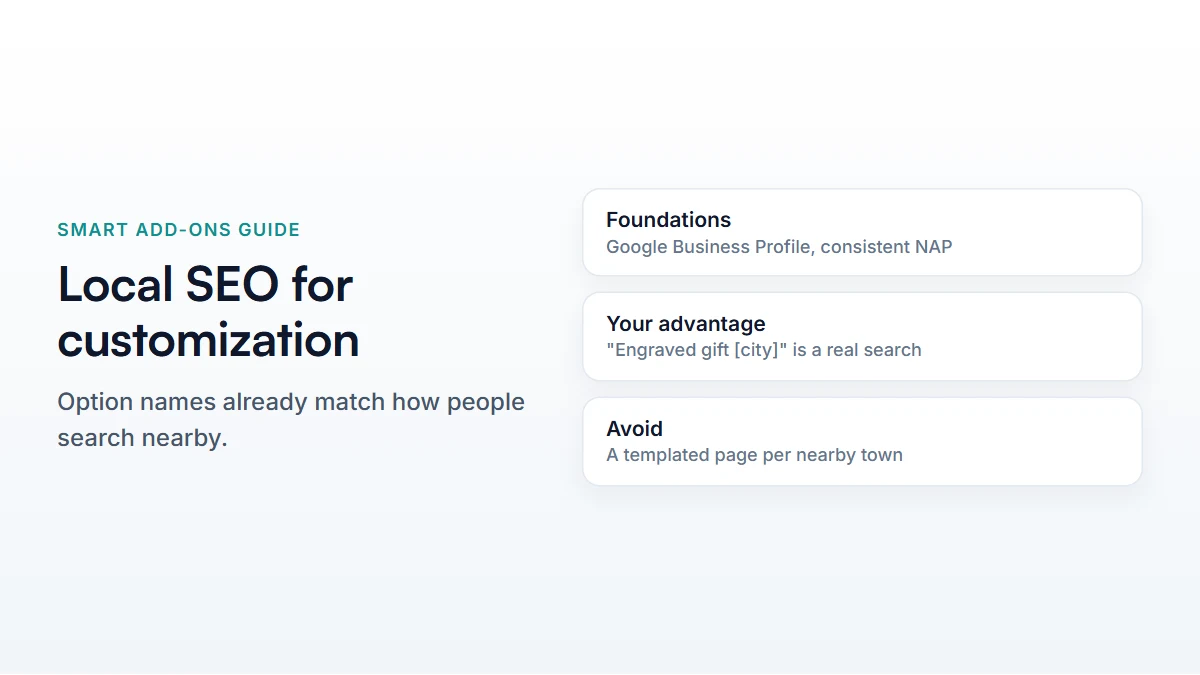
Standard local SEO foundations, plus the one advantage a customization store has that a generic retailer never generates.
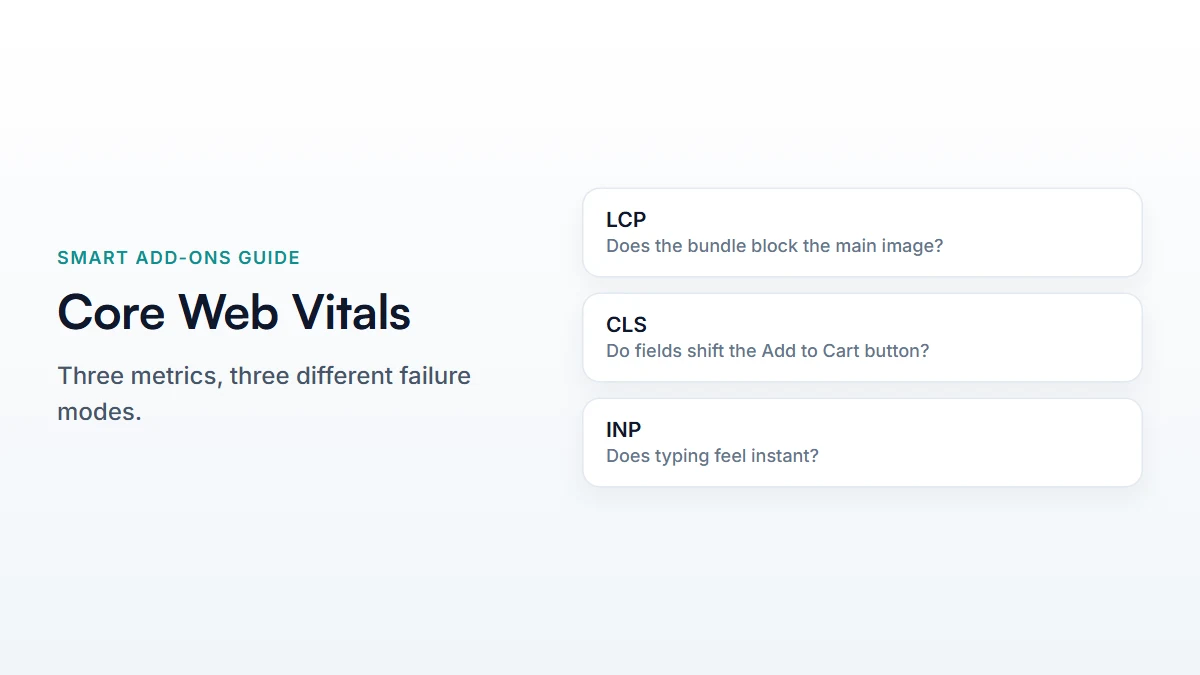
What breaks LCP, CLS, and INP specifically on an add-on product page, and the fix for each – plus how to check your own pages.
Checked on a live product: the Product schema shows the base price only. Why that is correct, and what to do about pricing nuance instead.
Segment by what customers chose, not just what they bought, using the WooCommerce email platform you already have.
The IKEA effect and loss aversion, and what they actually mean for how you should design an add-on group.