

Developer guide
How do you modify WooCommerce add-on groups programmatically?
The primary hook is the saue_addon_groups_for_product filter, which runs on every group resolved for a product just before rendering — add, remove, or reorder groups from your own plugin or theme's functions.php without touching Smart Add-Ons' own code. A smaller set of action hooks cover a field being deleted, a group being saved, and the point right before add-ons render on the page.
To modify WooCommerce add-on groups programmatically, you need the hook list, not a settings screen — Smart Add-Ons exposes a small, specific set of them rather than a hook for every possible line of code, which makes them worth listing completely since there’s no long reference page to search through. This is every documented extension point for modifying WooCommerce add-on groups programmatically, what each one actually receives, and a real example for the one you’ll use most.

Modify WooCommerce add-on groups programmatically: the filter that matters most
add_filter( 'saue_addon_groups_for_product', function ( $groups, $product_id ) {
    // $groups is the resolved list for this product: global,
    // category, and product-scoped, already merged and ordered.
    return $groups;
}, 10, 2 );
This runs every time a product’s groups are resolved — on the product page, and anywhere else the plugin needs to know what applies to a product. It’s the one hook to reach for when you need logic Smart Add-Ons doesn’t have a setting for: hiding a group for a specific user role beyond what the built-in visibility rules cover, injecting a group built from external data, or removing a group based on a condition the admin UI has no field for.
A real example — hiding all add-ons for a specific membership plugin’s “wholesale” role, a case not covered by the built-in role-based visibility:
add_filter( 'saue_addon_groups_for_product', function ( $groups, $product_id ) {
    if ( current_user_can( 'wholesale_customer' ) ) {
        return [];
    }
    return $groups;
}, 10, 2 );
More ways to modify WooCommerce add-on groups programmatically
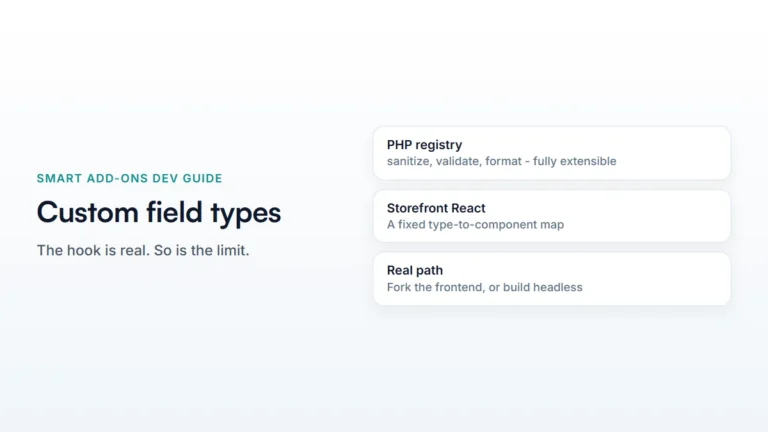
saue_addon_group_saved(action) — fires with the group ID right after a group is created or updated. Useful for syncing a group’s existence to an external system.saue_addon_field_deleted(action) — fires with the field ID when a field is removed. The field’s data is already gone by the time this fires, so use it for cleanup of anything you stored keyed to that field ID elsewhere.saue_before_render_product_addons(action) — fires with the product ID immediately before the add-on markup renders on the product page. The hook point integrations use to inject context ahead of rendering.saue_addon_field_html(filter) — the rendered HTML for a single field on a classic (non-block) theme, filterable before output. Receives the field data and product ID alongside the HTML string.saue_loop_add_to_cart_text(filter) — the button text shown on shop/category grids for a product that needs the product page to configure (“Select options” by default).saue_register_field_types(action) — registers custom field types with the type registry; covered in full in the custom field type guide.saue_translate_string(filter) — routes a plugin-generated string through your own translation layer, for multi-language setups that don’t use a plugin Smart Add-Ons integrates with directly.saue_locate_template(filter) — the resolved path for a plugin template, filterable so a theme can override where a template file is loaded from.
Where to put code that modifies WooCommerce add-on groups programmatically
A small site-specific plugin, not your theme’s functions.php — hooks like these are functionality, not presentation, and a plugin survives a theme change. If you don’t already have one, a single file with a plugin header comment and your add_filter/add_action calls is enough; WordPress’s own plugin header documentation (opens in new tab) covers the minimum required.
Common questions
Can I add a group programmatically without using the admin UI at all?
The saue_addon_groups_for_product filter lets you inject a group into what’s returned for a product, which is the lightest-weight approach for a group that only needs to exist in specific runtime conditions. For a group that should be permanently stored and editable in the admin like any other, use the REST API’s create endpoint instead, covered in the REST API guide.
Do these hooks run on the REST API responses too, or only on page render?
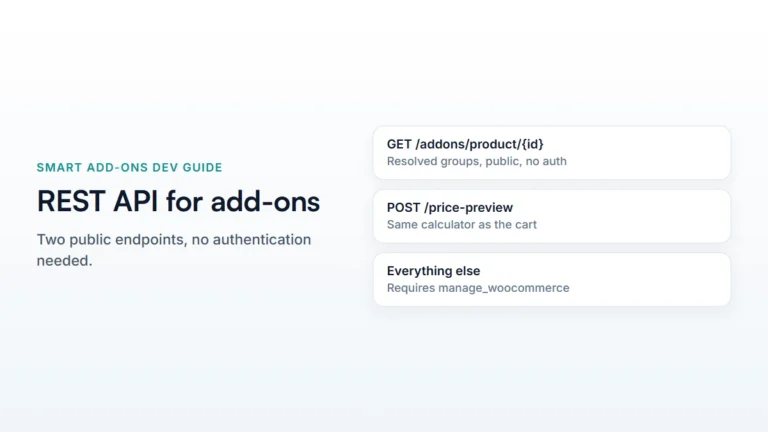
saue_addon_groups_for_product runs wherever groups are resolved for a product, which includes the public REST endpoint — so a filter applied here affects both the storefront render and anything reading the API directly.
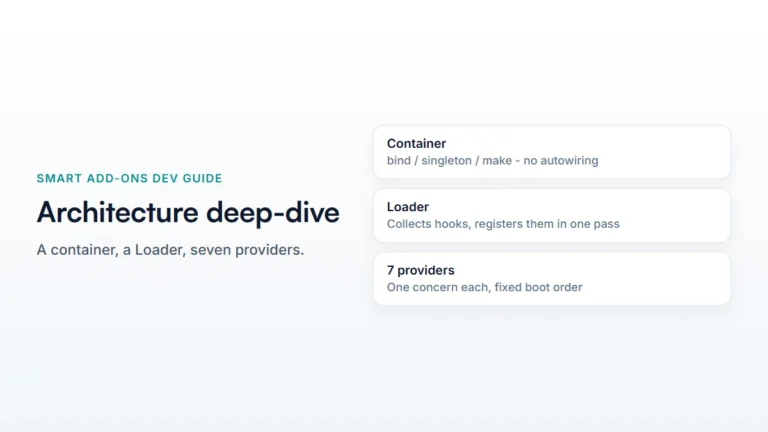
For the architecture these hooks sit inside, see the architecture deep-dive.

Comments