

Developer guide
Can you register a custom field type in Smart Add-Ons?
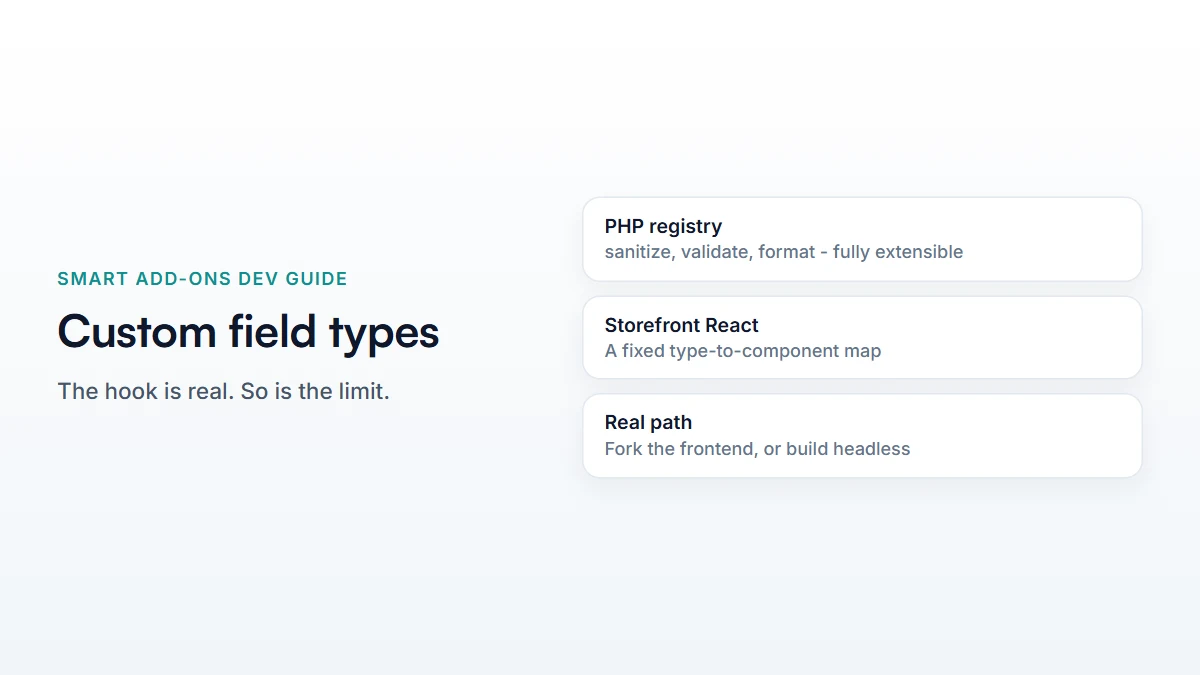
Yes, on the PHP side: hook saue_register_field_types and register a class implementing FieldTypeInterface to add sanitization, validation, and cart/display formatting for a new type key. What this hook does not give you is a storefront React component — the bundled frontend maps type names to components in a fixed list, so a genuinely new interactive field needs either a fork of the plugin's frontend build or your own headless UI reading the REST API directly.
To register a custom field type in Smart Add-Ons, you extend the same registry the plugin’s own nine field types are built from. Smart Add-Ons ships checkbox, radio, dropdown, text, textarea, image select, date, file upload, and custom price out of the box, and the temptation once you’ve outgrown them is to look for a way to add a tenth. There is a real extension point for this — saue_register_field_types — and it’s worth understanding exactly what it does and doesn’t cover before building against it, because the honest answer is more nuanced than “just add a hook.”

How to register a custom field type in Smart Add-Ons
Every field type, built-in or custom, implements FieldTypeInterface:
interface FieldTypeInterface {
    public function type(): string;
    public function sanitize(mixed $value, array $field): mixed;
    public function validate(mixed $value, array $field, array $context = []): ValidationResult;
    public function formatForDisplay(mixed $value, array $field): string;
    public function formatForCart(mixed $value, array $field): string;
    public function adminSchema(): array;
}
That’s a complete, coherent contract for how a value moves through the system: sanitize() cleans what’s submitted, validate() decides whether it’s acceptable, and the two formatFor* methods control how the value appears in the cart and on the order screen. adminSchema() feeds the admin field-types list and the REST /field-types endpoint.
Registering it
add_action( 'saue_register_field_types', function ( $registry ) {
    $registry->register( new My_Custom_Field_Type() );
} );
The hook fires with the live registry as its argument, straight after the nine built-in types are registered, from FieldTypeRegistry::createDefault(). From that point, your type is a first-class citizen wherever the registry is consulted — the field-types list, sanitization during save, and server-side cart validation.
The part this hook doesn’t cover
This is the detail that matters most and is easy to miss reading the PHP side alone. The storefront rendering — what a shopper actually sees and interacts with — is a fixed JavaScript object mapping type names to React components:
const fieldComponents = {
    checkbox: CheckboxField,
    radio: RadioField,
    dropdown: DropdownField,
    text: TextField,
    // ...
};
There’s no filter on this map. A type registered only through saue_register_field_types has real sanitization, validation, and cart formatting on the server — but no entry here, so nothing renders it on the built-in storefront. Registering the PHP side alone gets you a field the admin builder can save and the server can validate; it doesn’t get you a new interactive widget on the product page.
A realistic use for the hook as it stands
Even without a storefront component, the hook has a genuine use: adding validation or formatting rules to data that arrives through another channel — import, the REST API, or a value your own headless frontend submits. Register the type for its sanitize() and validate() behaviour, and let a system outside the bundled storefront do the rendering. This matters most for a headless integration: a Next.js or mobile frontend reading the REST API directly never touches the bundled React components at all, so the storefront limitation above simply does not apply to it — the server-side contract is the whole interface it needs.
Common questions
Can I extend an existing field type instead of adding a new one?
Registering under an existing type key (like text) replaces the built-in implementation, since the registry is a single map keyed by type name. That’s riskier than it sounds — you’d need to reproduce the built-in behaviour you don’t want to change. A new, distinct type key is the safer approach.
If I register a custom field type in Smart Add-Ons, does it survive an update?
Yes, if it’s registered from your own plugin or a must-use plugin via the hook — that’s independent of the Smart Add-Ons codebase. Only forking the frontend build directly would need re-applying after an update.
For programmatically reading add-on data once you have it, see the REST API guide, and WordPress’s own custom hooks documentation (opens in new tab) for how do_action and filters work generally.


Comments