

Developer guide
How does WooCommerce Store API custom add-on data reach the block cart?
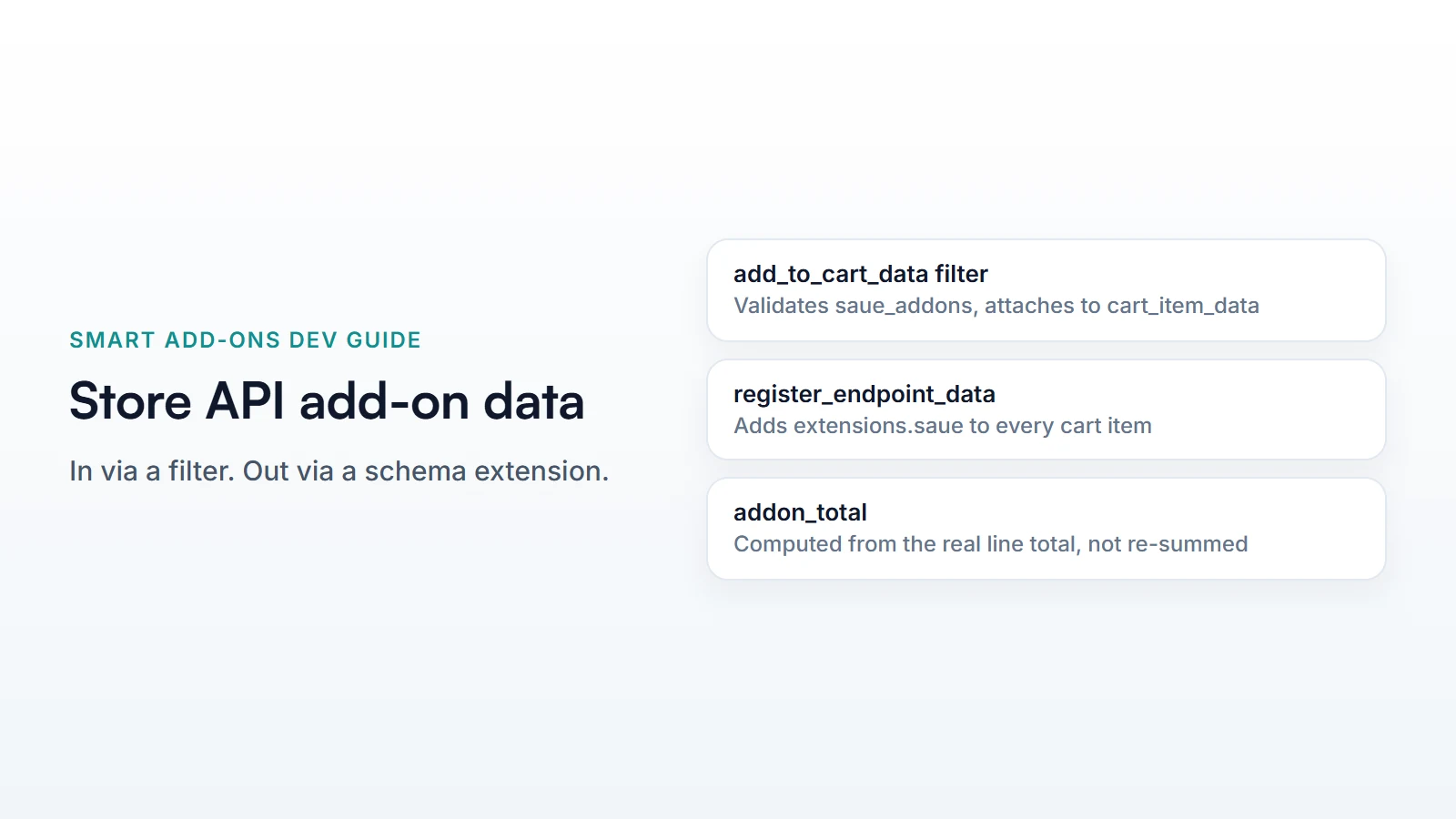
Two hooks, one each way. woocommerce_store_api_add_to_cart_data intercepts the add-to-cart request, validates the submitted saue_addons parameter server-side with the same rules the storefront uses, and attaches the result to cart_item_data. woocommerce_store_api_register_endpoint_data then reads that cart_item_data back out and exposes it as an addon_fields object and a computed addon_total on every cart item the Store API returns.
WooCommerce Store API custom add-on data means getting a shopper’s field selections into the block cart and back out again without touching the classic, non-block cart page at all — the block cart and checkout talk to WooCommerce’s REST-based Store API, not the old session-and-template flow. Smart Add-Ons hooks into that API at exactly two points, and this is both of them, with the real code behind each.
Getting WooCommerce Store API custom add-on data into the cart
The Store API’s add-to-cart endpoint runs a filter, woocommerce_store_api_add_to_cart_data, before the item is actually added. StoreApiCartBridge hooks it — the same bridge referenced in the architecture deep-dive as the BlocksServiceProvider‘s one job:
add_filter( 'woocommerce_store_api_add_to_cart_data', [ $this, 'attachAddonData' ], 10, 2 );It reads a saue_addons parameter off the incoming request — the shopper’s field selections, keyed by field ID — and runs it through the same CartValidationService::validate() that the classic cart page uses. Nothing about validation is skipped or simplified for the block flow: required fields, value ranges, and licence status are all checked server-side before the item is ever added, exactly as if the request had come from the non-block cart.
$result = $this->cart_validation->validate( $product_id, $addons, $variation_id, $quantity, $ab_assignments );

if ( ! $result->isValid() ) {
    throw new RouteException( 'saue_invalid_addons', esc_html( $message ), 400 );
}

$add_to_cart_data['cart_item_data']['saue_addons'] = $this->cart_validation->sanitizeSubmission(
    $product_id, $addons, $ab_assignments
);
A RouteException here becomes a proper 400 response back to the block cart’s own UI, which surfaces it as a normal add-to-cart error — not a silent failure and not a PHP notice on a broken page.
Reading WooCommerce Store API custom add-on data back out
Getting data in is half the problem — the block cart and checkout also need to display what was selected and what it cost, and the Store API’s cart response doesn’t know about add-ons by default. StoreApiExtension registers a schema extension on the cart item endpoint:
woocommerce_store_api_register_endpoint_data( [
    'endpoint'        => CartItemSchema::IDENTIFIER,
    'namespace'       => 'saue',
    'data_callback'   => [ $this, 'getCartItemAddonData' ],
    'schema_callback' => [ $this, 'getCartItemAddonSchema' ],
    'schema_type'     => ARRAY_A,
] );
Every cart item in a Store API response now carries an extensions.saue object with two fields: addon_fields (the raw selections stored on the cart item) and addon_total — computed, not stored, by subtracting the product’s base price times quantity from the line’s actual total:
$base_price  = PricingHooks::resolveBasePrice( $cart_item );
$addon_total = max( 0, $line_total - ( $base_price * $quantity ) );
That subtraction is why addon_total is always correct even for pricing types the frontend doesn’t need to understand — formula-priced fields, percentage add-ons, whatever combination produced the line total — because it’s derived from the real charged total rather than re-summed from the field data on the client side.
What a cart item response actually looks like
{
  "key": "a1b2c3...",
  "quantity": 1,
  "totals": { "line_total": "3200" },
  "extensions": {
    "saue": {
      "addon_fields": { "70": "12", "73": ["pepperoni"] },
      "addon_total": "5.00"
    }
  }
}
A custom block-cart UI — a modified template, a headless frontend calling the Store API directly — reads extensions.saue the same way it reads any other plugin’s Store API extension data, with no separate Smart Add-Ons-specific endpoint to learn.
Common questions
Does WooCommerce Store API custom add-on data work with A/B testing?
Yes — the same filter also tags the cart item with the shopper’s A/B assignment via saue_ab, using CartValidationService::abAssignments(), even on a request with no add-ons selected, so attribution survives for a variant shown but declined.
Can I skip client-side validation and rely on the Store API alone?
You can — the server-side validate() call runs regardless of what the client already checked, and rejects an invalid submission with a 400 either way. Client-side validation is purely a UX improvement for faster feedback, never the actual gate.
For the REST endpoints that read add-on definitions before checkout, see the REST API guide, and WooCommerce’s own Store API source (opens in new tab) for how woocommerce_store_api_register_endpoint_data works generally.



Comments