

Developer guide
What do WooCommerce HPOS plugin developers actually need to change?
Nothing, if the plugin already talks to orders exclusively through wc_get_order(), WC_Order, and order-item CRUD methods like get_meta()/add_meta_data() — that API works identically whether orders live in wp_posts or WooCommerce's own tables. What breaks HPOS compatibility is a direct $wpdb query against wp_postmeta for order data, or an admin screen check that assumes the order edit screen is always post.php. Then declare support explicitly with FeaturesUtil::declare_compatibility() so WooCommerce trusts the plugin instead of just tolerating it.
High-Performance Order Storage moves orders out of wp_posts/wp_postmeta into WooCommerce’s own dedicated tables. WooCommerce HPOS plugin developers who only ever touched orders through the official CRUD API don’t need to rewrite anything — that API is exactly the abstraction layer meant to absorb this change. This is what Smart Add-Ons actually does, as a concrete example of what “already compatible” looks like in real code, not just in a checklist.
Declaring compatibility, not just hoping it works
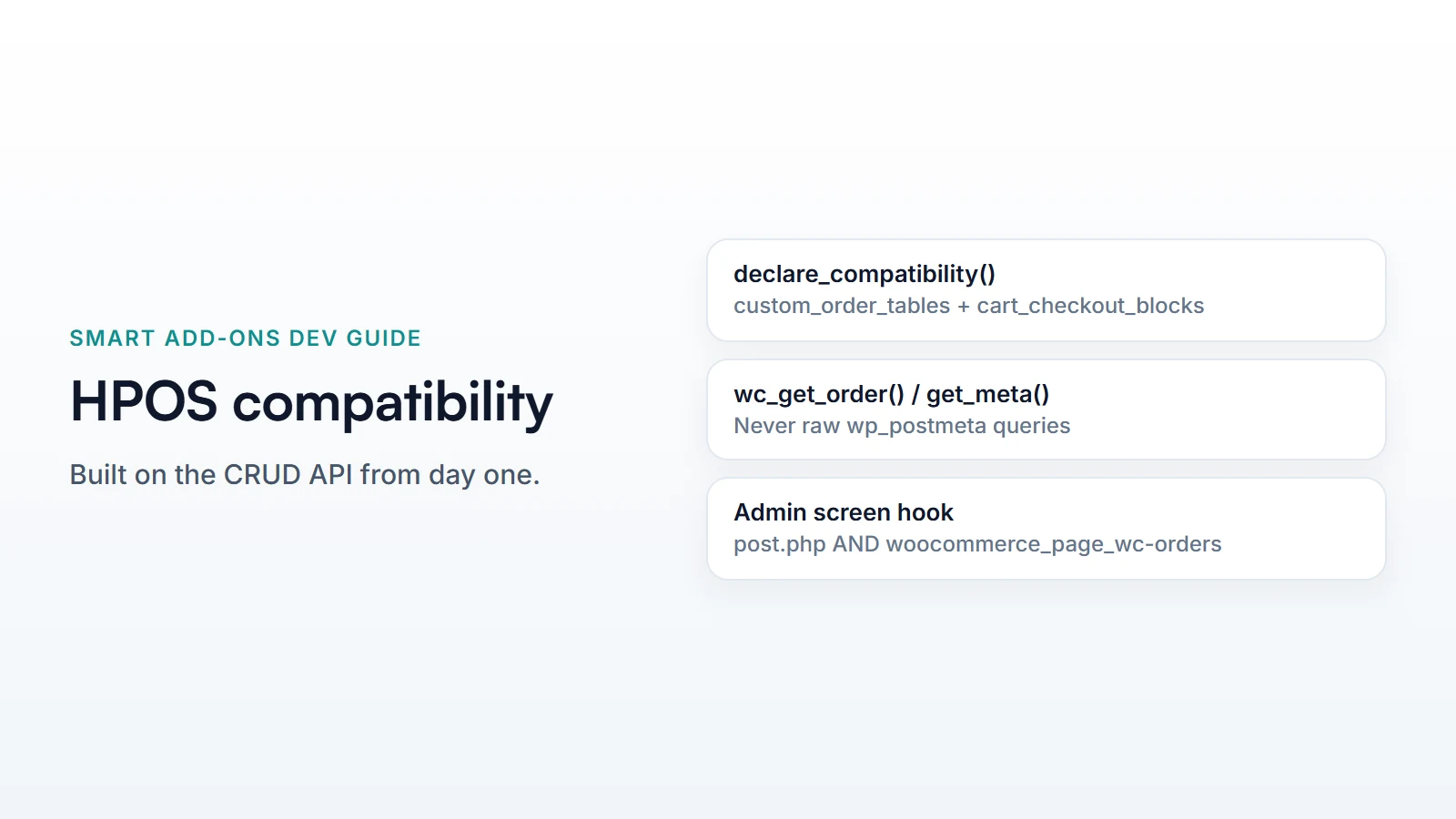
WooCommerce HPOS plugin developers should declare support explicitly rather than relying on WooCommerce’s default assumption. An undeclared plugin is treated as unverified, which can affect how WooCommerce surfaces HPOS in its own settings UI. Smart Add-Ons declares on before_woocommerce_init:
add_action( 'before_woocommerce_init', function () {
    if ( ! class_exists( \Automattic\WooCommerce\Utilities\FeaturesUtil::class ) ) {
        return;
    }

    \Automattic\WooCommerce\Utilities\FeaturesUtil::declare_compatibility(
        'custom_order_tables', __FILE__, true
    );

    \Automattic\WooCommerce\Utilities\FeaturesUtil::declare_compatibility(
        'cart_checkout_blocks', __FILE__, true
    );
} );
Two separate declarations, because they’re two separate features that happened to ship around the same time — HPOS (custom_order_tables) and the block cart/checkout. A plugin can be compatible with one and not the other; Smart Add-Ons declares both because both are true, verified separately, not assumed together.
The actual rule: CRUD methods, never raw postmeta
Every place Smart Add-Ons reads or writes order data goes through wc_get_order(), WC_Order, or WC_Order_Item_Product — never a direct get_post_meta( $order_id, ... ) or a raw $wpdb query against wp_postmeta for order fields. Recording a conversion, for example:
$order = wc_get_order( $order_id );

if ( $order instanceof WC_Order && $order->is_paid() ) {
    foreach ( $order->get_items() as $item ) {
        $addons = $item->get_meta( '_saue_addons', true );
        // ...
    }
}
Bulk lookups go through wc_get_orders() with its normal query args, not a hand-written SQL join:
wc_get_orders( [
    'limit'        => -1,
    'date_created' => '>' . gmdate( 'Y-m-d H:i:s', strtotime( '-30 days' ) ),
    'status'       => wc_get_is_paid_statuses(),
    'return'       => 'ids',
] );
Neither snippet cares whether the row backing that order lives in wp_posts or in WooCommerce’s wc_orders table — the CRUD layer resolves that. This is the entire rule: if every order read and write already looks like this, the plugin was HPOS-compatible before HPOS existed, by construction rather than by a later audit.
Where HPOS actually changed something visible: the admin screen hook
Order data access needed no changes, but one thing did: the admin order-edit screen’s identity. Under legacy storage it’s post.php; under HPOS it’s a dedicated woocommerce_page_wc-orders screen. Code that decides whether to load admin assets by checking the current screen has to check for both:
if ( ! in_array( $hook, [ 'post.php', 'woocommerce_page_wc-orders' ], true ) ) {
    return;
}
This is the one real, concrete “gotcha” in an otherwise CRUD-clean codebase: a hardcoded 'post.php' check written before HPOS existed would silently stop loading order-screen assets for every store that later enables it, with no error and no obvious symptom beyond a missing admin panel. It’s worth calling out precisely because it’s easy to miss in review — the code still runs without throwing anything, the admin screen still loads, and only a missing panel or a broken script tag gives away that the hook never fired for that store.
The practical takeaway for anyone auditing a plugin ahead of an HPOS rollout: grep the codebase for 'post.php' as a hook or screen-ID string comparison specifically, since that’s the one place a plugin written before HPOS existed is statistically most likely to have baked in an assumption. Everywhere else that reads or writes order data through the CRUD API needs no such search — it was never coupled to how orders are stored in the first place.
Common questions
Do WooCommerce HPOS plugin developers need to migrate existing order meta?
No — that migration is WooCommerce core’s job when a store owner switches storage modes, not something a plugin implements. A plugin only needs its own reads and writes to go through the CRUD API so they keep working regardless of which mode is active.
How do WooCommerce HPOS plugin developers test compatibility without a live HPOS store?
WooCommerce ships HPOS as a togglable feature (WooCommerce → Settings → Advanced → Features) on any install running a recent enough version, including “compatibility mode” that syncs both storage systems for safe testing before fully committing either way.
WooCommerce’s own HPOS upgrade recipe book (opens in new tab) covers less common patterns beyond what this plugin needed to change, and the architecture deep-dive covers where OrderAnalyticsRecorder fits in the plugin’s overall structure.



Comments