

Developer guide
How does Smart Add-Ons Composer PSR-4 autoloading actually work?
One namespace prefix, SmartAddons\UpsellEngine\, maps to the includes/ directory in composer.json's psr-4 block — every class the plugin defines follows that mapping, no manual require statements anywhere. The bundled licensing SDK is pulled in as a Composer path repository pointing at a sibling folder, not a copy-pasted vendor bundle, and the whole thing is loaded through a single file_exists guard around vendor/autoload.php so a missing composer install fails quietly instead of fatally.
Smart Add-Ons Composer PSR-4 autoloading is the reason nothing in the plugin’s includes/ tree has a manual require or include statement pointing at another class file. This is the autoloading setup itself — the actual composer.json, how the bundled SDK gets pulled in during local development, and the one line in the plugin’s bootstrap that ties it all together — as a real example rather than a general PSR-4 explainer.
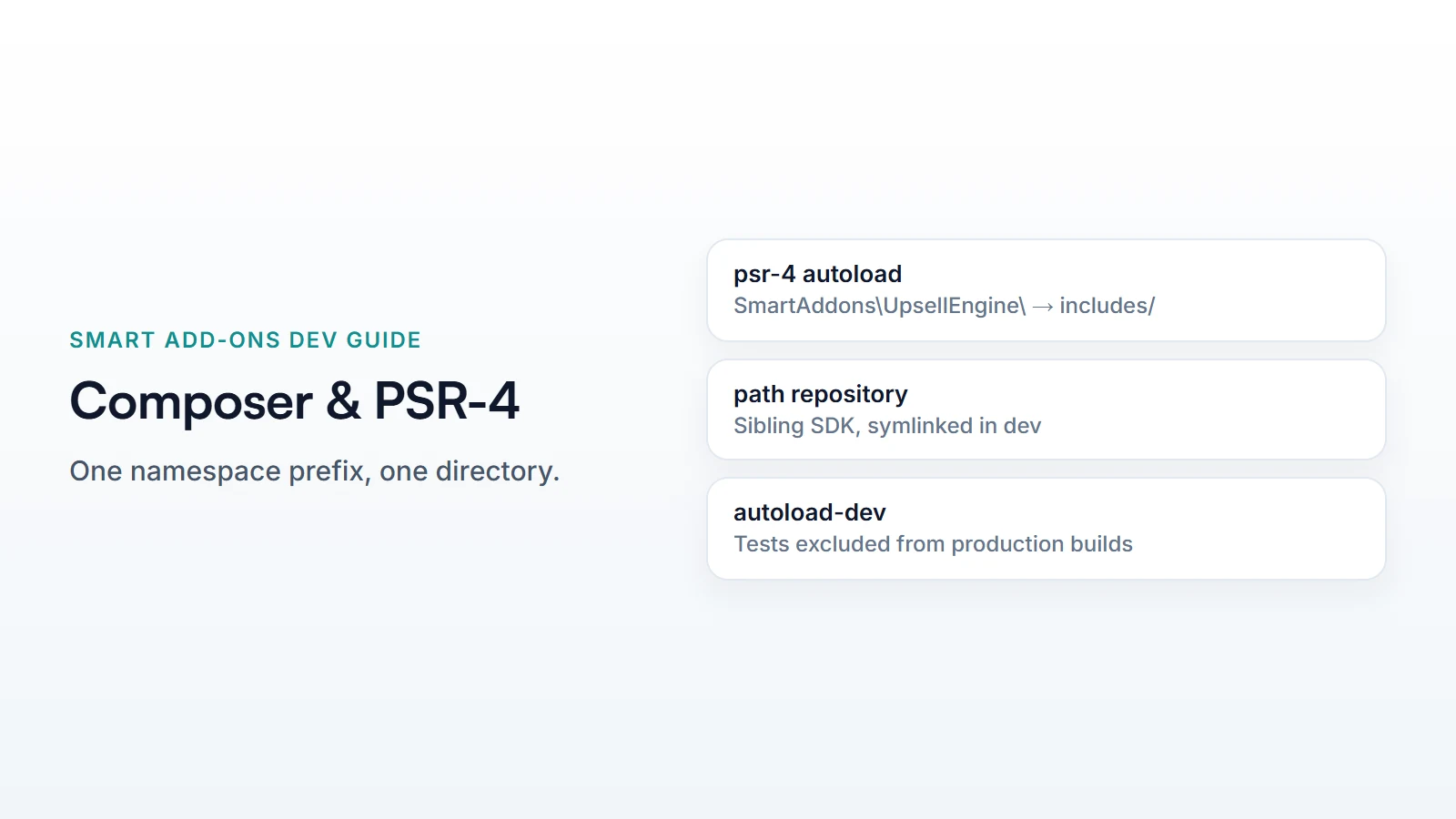
The mapping itself
The plugin’s composer.json declares one production autoload mapping:
"autoload": {
    "psr-4": {
        "SmartAddons\\UpsellEngine\\": "includes/"
    }
}
That’s the entire rule: a class named SmartAddons\UpsellEngine\Addons\AddonRepository resolves to includes/Addons/AddonRepository.php, mechanically, by replacing the namespace prefix with the directory and every remaining backslash with a folder separator. One prefix, one directory — there’s no second mapping to remember, and every class in the codebase, however deeply nested, follows this same single rule.
Pulling in the licensing SDK as a sibling package
The plugin depends on its own licensing SDK, developed in a separate repository alongside it in the same monorepo rather than published to Packagist. Composer’s repositories block points straight at that sibling folder:
"repositories": [
    {
        "type": "path",
        "url": "../dhyan-wordpress-sdk",
        "options": { "symlink": true }
    }
]
A path repository with symlink: true means composer install creates a symlink into vendor/ rather than copying files — a local edit to the SDK repo is immediately visible to the plugin with no re-run of Composer needed, which is exactly what a monorepo with an in-development shared dependency needs. A production build swaps this for a tagged version from a real package registry; the path repository is a development-time convenience, not what ships.
Tests get their own mapping, kept separate
Test classes live under a second, dev-only mapping:
"autoload-dev": {
    "psr-4": {
        "SmartAddons\\UpsellEngine\\Tests\\": "tests/php/"
    }
}
Splitting this into autoload-dev rather than adding a second entry to the production autoload block matters for a shipped plugin specifically: a production composer install --no-dev skips require-dev packages (here, just phpunit/phpunit) and the dev-only autoload mapping along with them, so the built plugin package doesn’t carry test infrastructure or its autoloader mapping into a customer’s site at all.
Loading it: one guarded require
The plugin’s bootstrap file loads the generated autoloader behind an existence check, not an unconditional require:
if ( file_exists( SAUE_PLUGIN_DIR . 'vendor/autoload.php' ) ) {
    require_once SAUE_PLUGIN_DIR . 'vendor/autoload.php';
}
A packaged release always ships vendor/, so this check normally passes silently. It matters for a clone straight from source control without running composer install first — instead of a hard fatal error on a missing file, the plugin loads with no classes autoloadable and fails wherever the first missing class is actually used, which is a real (if not ideal) fallback rather than an immediate crash on activation. This is Smart Add-Ons Composer PSR-4 autoloading’s one deliberately soft failure mode, and the only one in the entire setup.
The last line in the config is "optimize-autoloader": true — it tells Composer to generate a flat classmap instead of doing PSR-4 prefix matching at runtime, a small but real performance win on every request once the plugin is installed for real, at the cost of needing a fresh composer dump-autoload (or install) any time a class is added or moved.
Common questions
Does Smart Add-Ons Composer PSR-4 autoloading conflict with WordPress's own class loading?
No — WordPress core doesn’t autoload its own classes by namespace the way Composer does, so there’s no naming collision risk as long as the plugin’s namespace prefix (SmartAddons\UpsellEngine\) doesn’t overlap with another autoloaded plugin’s, which is exactly why a specific, product-named prefix is the convention rather than something generic. Smart Add-Ons Composer PSR-4 autoloading and WordPress’s own hook-based loading simply operate at different layers and never compete.
What happens if two plugins on the same site both bundle Composer autoloaders?
Each plugin’s own vendor/autoload.php registers its own PSR-4 mappings independently — PHP’s autoloader stack tries each registered loader in turn, so two plugins with distinct namespace prefixes coexist without issue. Conflicts arise from two plugins bundling different versions of the *same* shared package under the same namespace, not from the autoloading mechanism itself.
For what the container does with a class once it’s loaded, see the architecture deep-dive. Composer’s own autoload schema documentation (opens in new tab) covers the PSR-4 specification this mapping follows.



Comments