Custom plugin development
Custom plugin development for WordPress and WooCommerce.
We build plugins around the way your business works: WooCommerce extensions, integrations with the services you already use, and admin screens your team can run without a developer. Our custom plugin development comes from a team that writes, tests and supports its own commercial plugin, Dhyan Product Options.
- Scope and estimate in writing before work starts
- Built and reviewed on staging, under version control
- Code and notes handed over at launch
Scope
In writing, before work starts
Built on
Staging, under Git
Checked by
Automated checks and review
Handover
Code, Git history and notes
Based in
Vadodara, India (IST, UTC+5:30)
What we build
Plugins built around your workflow.
Most projects are one of these, or a mix of two.
WooCommerce extensions
New product, cart and checkout behaviour for your store: custom fields, pricing rules, order steps and emails, built for the block cart and checkout as well as the classic one.
Integrations
Connect WordPress to the CRM, ERP, payment, shipping or booking service you already use, through its API and webhooks, with errors logged where your team can see them.
Admin screens
Settings pages, dashboards and editors your team can use without touching code, limited by the permissions WordPress already gives each user role.
Custom blocks
Blocks for the WordPress editor, so a feature can be placed and edited on any page instead of being hard-coded into a template.
Extensions to existing plugins
New features added to a plugin you already rely on, through its hooks and filters, so its own updates keep working. This includes Dhyan Product Options.
Plugin rescue and updates
A review of an existing custom plugin, then fixes for current PHP, WordPress and WooCommerce versions, security problems and slow database queries.
Proof
Custom plugin development, done the way we build our own product.
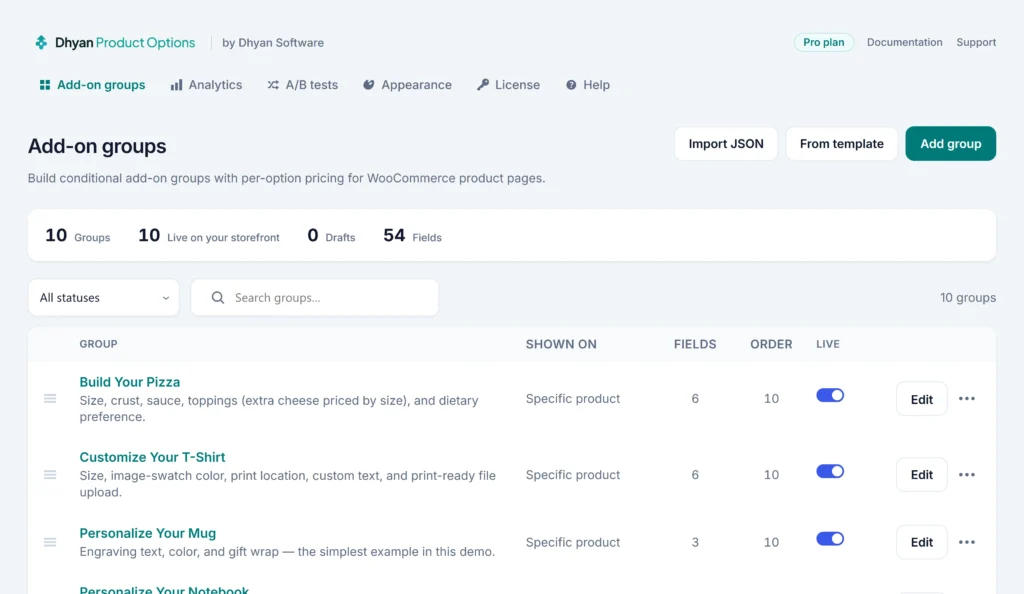
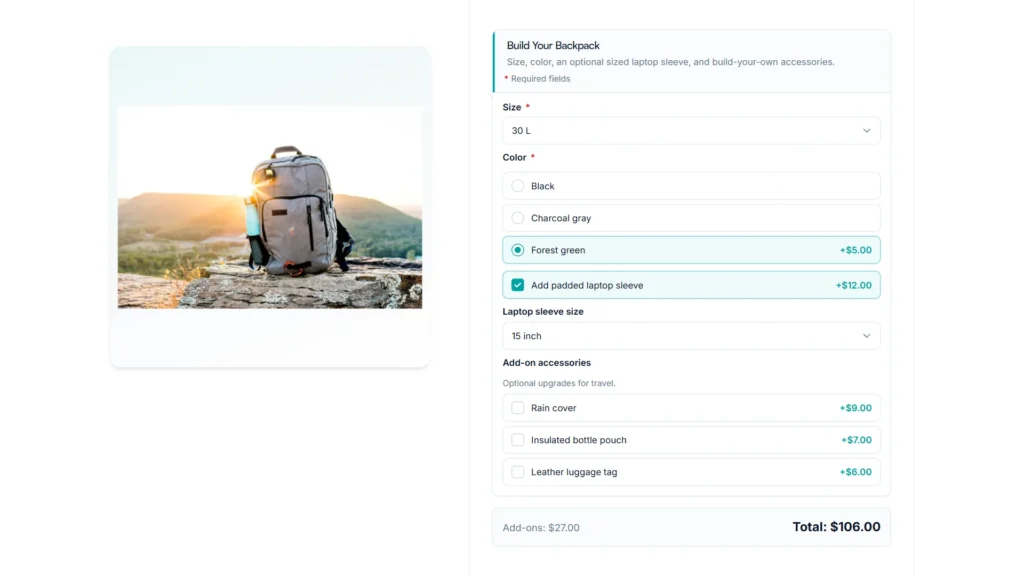
Dhyan Product Options is a WooCommerce product options plugin that we design, build, sell and support ourselves. Client plugins get the same engineering. If the change belongs inside your store rather than in a separate plugin, see WooCommerce development.
- A React admin with a visual builder for option groups, fields, pricing and conditional logic.
- A documented REST API and developer hooks, so other code can work with the plugin.
- Licensing through our own licence server and an SDK built into the plugin.
- Declared compatible with WooCommerce’s block cart and checkout and its High-Performance Order Storage.
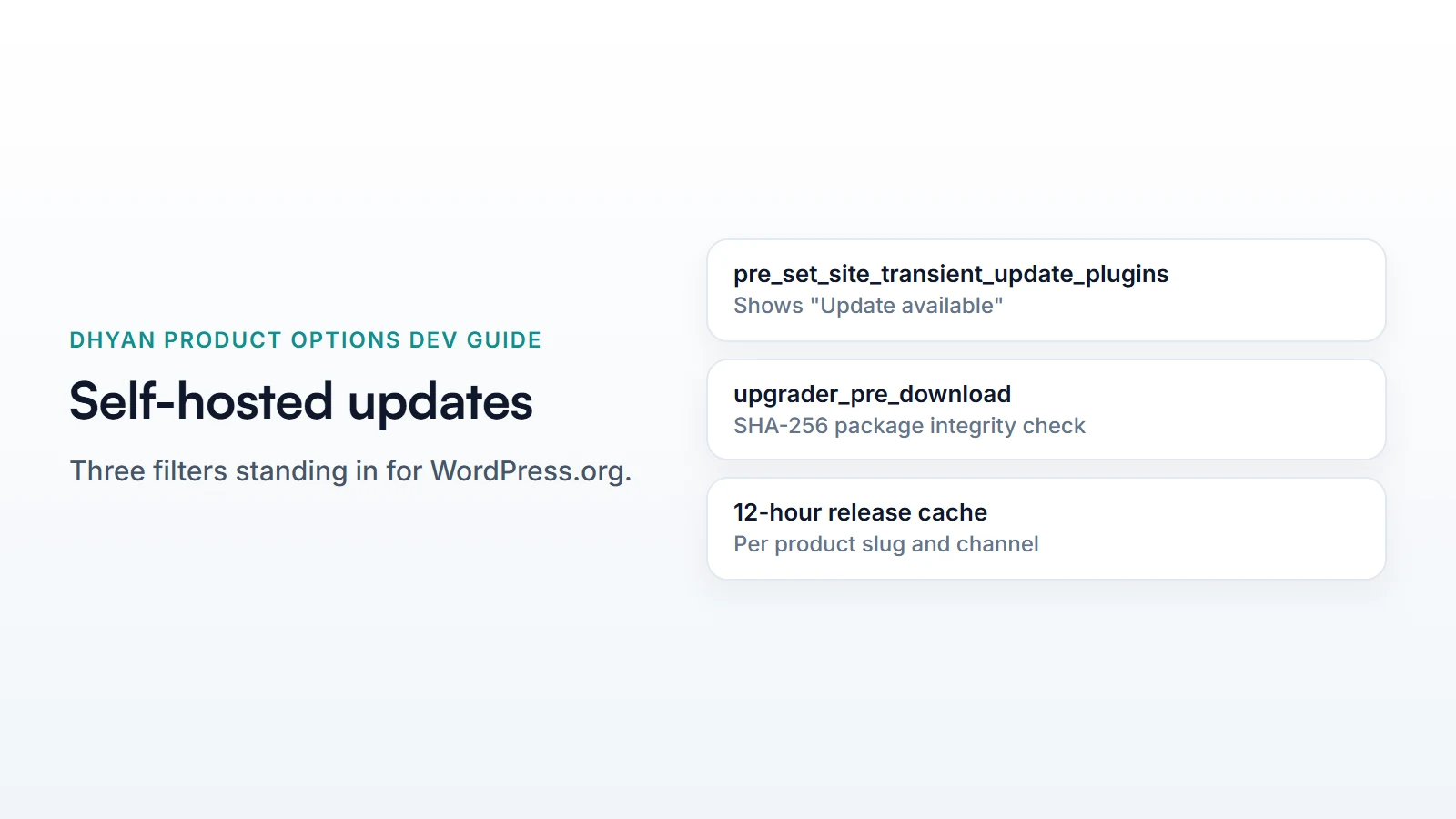
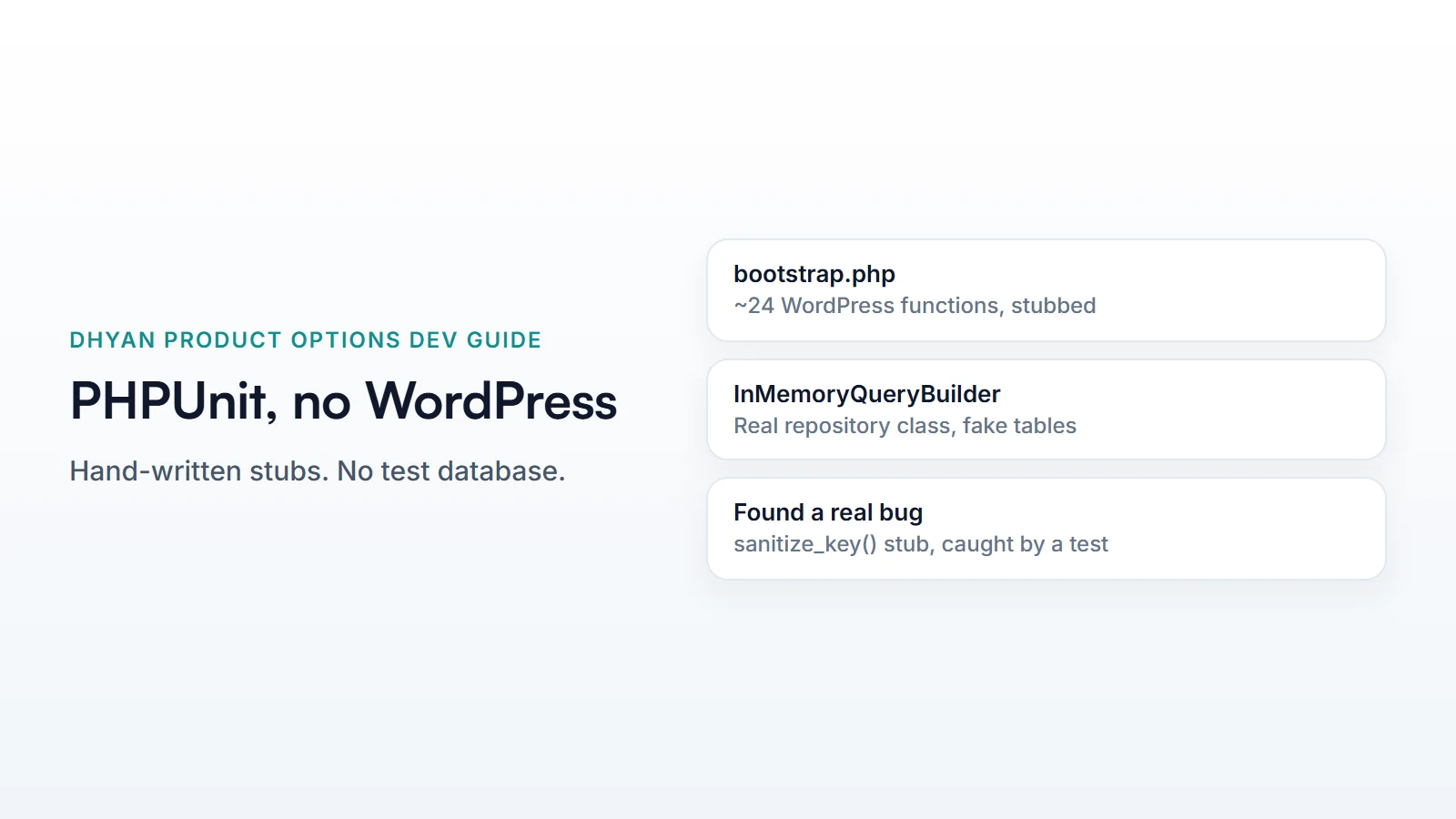
- Automated checks on the code: coding and security standards, unit tests, and integration tests across several WordPress, WooCommerce and PHP versions, plus the WordPress.org Plugin Check.
- Translation-ready text and an uninstall routine that cleans up after itself.
How we work
From first message to a plugin you own and understand.
Brief and written scope
You describe the problem and who will use the plugin. We ask the questions that change the estimate, then send the scope and estimate in writing. Nothing starts without your yes.
Technical plan
Before any code, we agree where the data lives, which WordPress and WooCommerce hooks or outside APIs the plugin uses, and what each screen does.
Build on staging
Work happens in Git on a staging copy of your site, never on the live site first. You can review each part there as it is ready.
Test and review
Automated checks run on the code, and we test the plugin with your real setup on desktop and mobile. You review and sign off on staging.
Launch and handover
We launch with you, then hand over the code, the Git history and notes on how the plugin works and what to update when.
How we write code
Standards every plugin gets.
We follow the WordPress Plugin Handbook (opens in new tab) and the WordPress coding standards, the same rules plugins in the WordPress.org directory are reviewed against.
- Permission checks and nonces on every action that changes data
- Input sanitised on the way in, output escaped on the way out
- Prefixed functions, hooks and options, so nothing clashes with other plugins
- Data kept with the standard WordPress APIs, and removed on uninstall if you want it to be
- Compatible with WooCommerce High-Performance Order Storage when the plugin reads or writes orders
- Translation-ready text
- No tracking and no calls to outside services you have not agreed to
- Code that passes automated checks before it reaches your site
Off-the-shelf or custom?
When a custom plugin is worth it.
Use an existing plugin
When one already does the job
If a maintained plugin covers what you need, buying and configuring it is usually cheaper. We will tell you when that is the case.
Build a custom plugin
When your process is specific
When the workflow, integration or pricing logic is particular to your business, or several plugins would be stacked to get close, one focused plugin is easier to run and maintain.
Often the answer is in between: a small extension to a plugin you already use.
Common questions
Questions about custom plugin development
How do you price custom plugin development?
Each project is quoted after a written scope, so the estimate covers the work you actually need. We do not publish fixed prices for development.
Can you extend Dhyan Product Options for our store?
Yes, as a service. Development work is quoted per project and does not change your Dhyan Product Options licence.
Do you work with agencies?
Yes. We can build under your brand, with staging, Git history and documented handover. See our development services for how we work with agencies.
Will you maintain the plugin after launch?
We can take on ongoing fixes and small changes after launch. What that covers is agreed in the scope.
Where are you based?
Vadodara, India (IST, UTC+5:30). We work with clients in other time zones by email and scheduled calls.