

Developer guide
How does the Smart Add-Ons self-hosted update system work?
Three WordPress filters — pre_set_site_transient_update_plugins, plugins_api, and upgrader_pre_download — hooked by the bundled licensing SDK, so a customer's install checks the Dhyan Cloud Platform's own release endpoint instead of WordPress.org. Every downloaded package is verified against a SHA-256 hash the platform issued alongside the release before WordPress is allowed to install it, and the hook only ever intervenes for packages this SDK itself issued a hash for, passing anything else through untouched.
The Smart Add-Ons self-hosted update system is what lets “Update available” show up in wp-admin for a plugin that was never distributed through WordPress.org. It lives in the bundled licensing SDK rather than the plugin’s own includes/ tree — worth saying upfront, since an earlier grep of just the plugin’s own code missed it entirely before this one turned it up. This is the real hook registration, the package integrity check, and the caching underneath it.
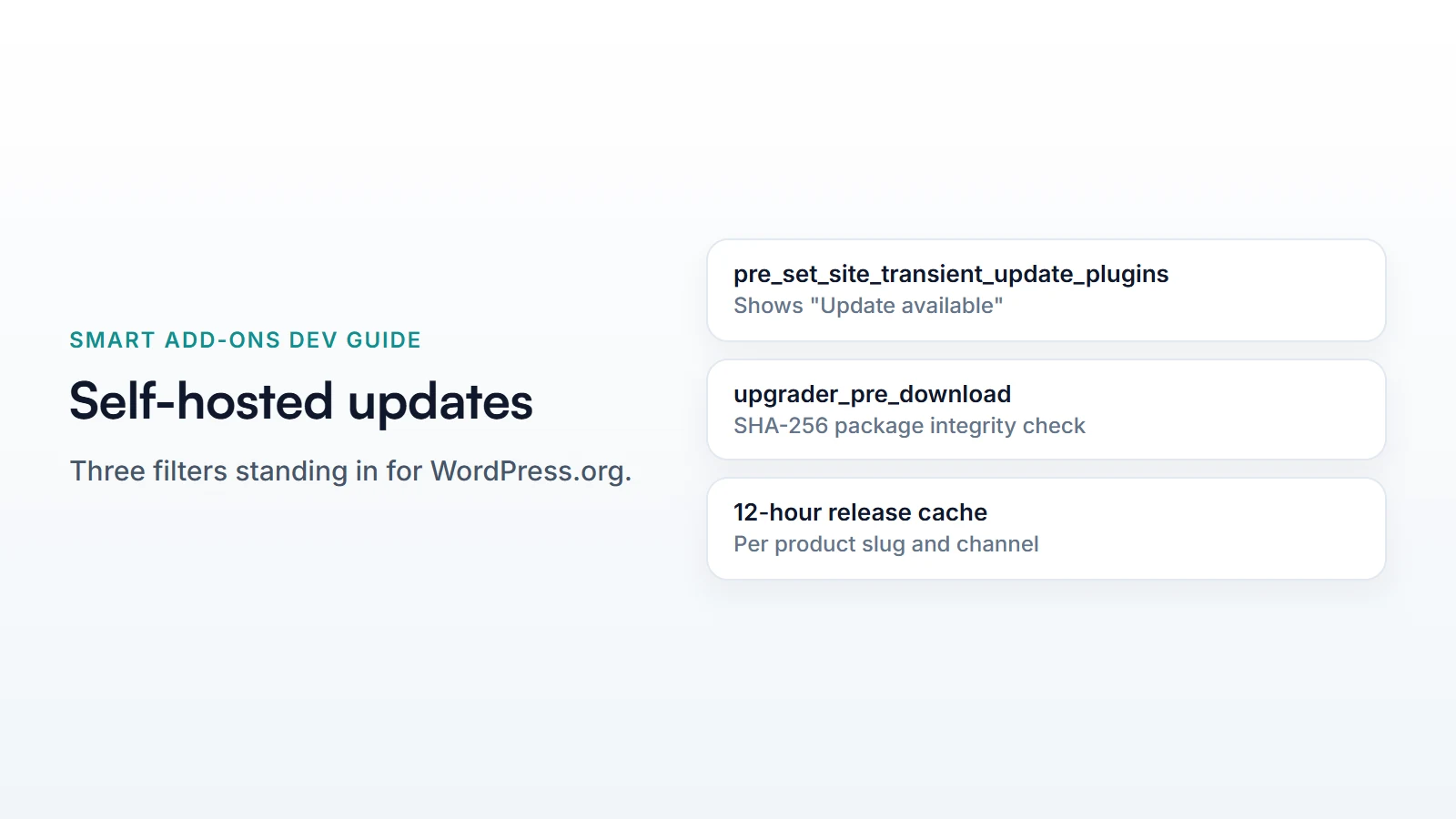
The three hooks WordPress actually needs
WordPress’s own update UI is entirely hook-driven — it never assumes WordPress.org specifically, it just needs something to answer three questions. UpdateChecker::register() answers all three:
add_filter( 'pre_set_site_transient_update_plugins', [ $this, 'injectUpdateInfo' ] );
add_filter( 'plugins_api', [ $this, 'injectPluginInfo' ], 10, 3 );
add_filter( 'upgrader_pre_download', [ $this, 'verifyPackageIntegrity' ], 10, 4 );
pre_set_site_transient_update_plugins is what makes “Update available” appear on the Plugins screen at all — it fetches the latest release from the platform, and only writes an update entry into the transient if the platform’s version is actually newer than what’s installed. plugins_api answers the “View Details” modal specifically, and only for this product’s slug — every other plugin’s details request passes through untouched. Neither hook does anything unless WordPress itself asks the question first.
Verifying the download before WordPress installs it
The third hook, upgrader_pre_download, is where the Smart Add-Ons self-hosted update system does something WordPress.org’s own infrastructure doesn’t need to: verify package integrity itself, since there’s no WordPress.org SVN checksum to lean on. When a release is fetched, the platform’s SHA-256 hash for that package is cached alongside it:
$this->rememberPackageHash( $package, $release['file_hash'] ?? null );Then, before WordPress installs whatever it downloaded, the hook re-downloads it under its own control, hashes it, and compares:
$actual = hash_file( 'sha256', $tmpFile );

if ( ! hash_equals( strtolower( $expected ), strtolower( $actual ) ) ) {
    wp_delete_file( $tmpFile );
    return new WP_Error(
        'dhyan_package_integrity',
        'Update package failed integrity verification and was not installed.'
    );
}
hash_equals() rather than === is the same constant-time-comparison discipline covered in the HMAC signing guide — for a hash comparison specifically, timing leakage isn’t the primary threat model, but using the timing-safe function everywhere hashes get compared is a reasonable default that costs nothing.
Keeping it cheap: a 12-hour release cache
WordPress checks for updates far more often than a release actually changes, so fetchLatestRelease() caches the platform’s response in a transient for twelve hours, keyed by product slug and update channel (stable, beta, or alpha) — a request that returns no release yet still caches an empty result, specifically so a temporary platform outage doesn’t turn into a support burden of repeated failed lookups on every single page load in wp-admin.
Common questions
Does the Smart Add-Ons self-hosted update system need a license to check for updates?
The update check itself doesn’t require an active license — a site can see that a new version exists either way. What an inactive or expired license actually blocks is a separate question from update visibility, covered by the plugin’s licensing and feature-gating layer rather than this update mechanism.
What happens if the integrity check fails?
WordPress receives a WP_Error instead of the downloaded file and the update simply doesn’t install — the site keeps running its current version. There’s no partial install or silent fallback; a hash mismatch stops the process outright.
Does this affect updates for other plugins on the same site?
No — every hook in the Smart Add-Ons self-hosted update system checks the plugin slug or the cached package hash before doing anything, and returns the untouched original value immediately when neither matches. A site with dozens of other plugins updating normally through WordPress.org sees no difference in behavior; this update system only ever activates for its own release.
For how this filter fits into core’s update flow generally, see WordPress’s own upgrader_pre_download documentation (opens in new tab).



Comments