

Quick answer
How should customization stores approach email marketing?
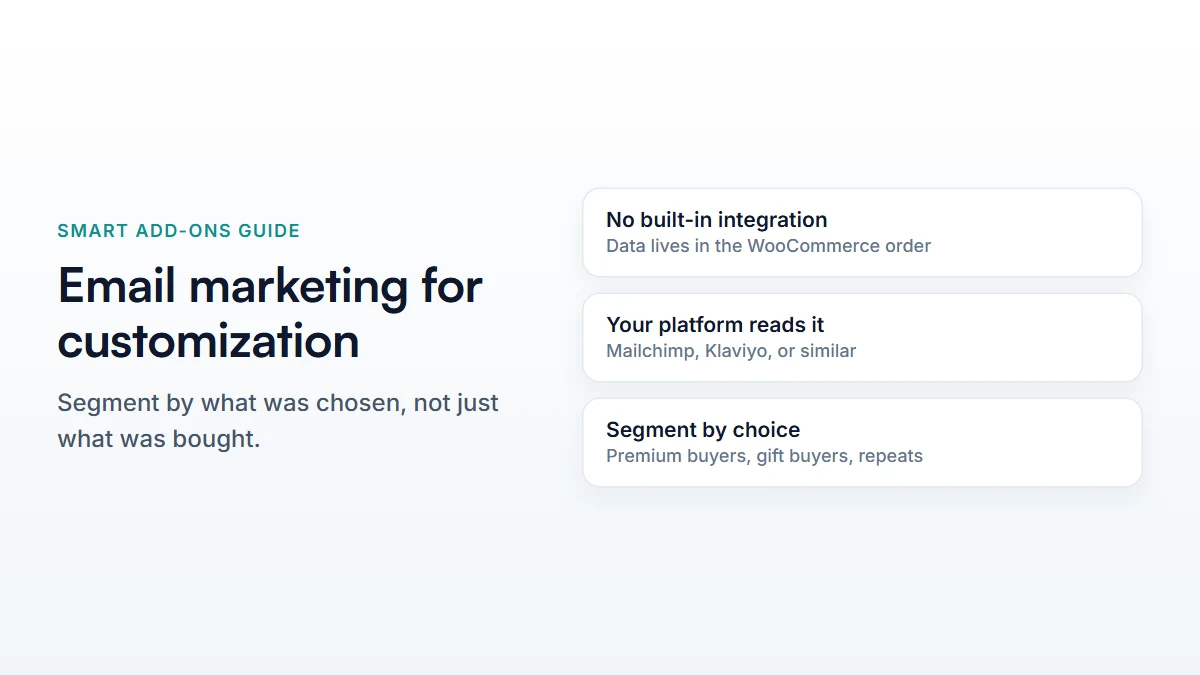
Segment by what customers actually chose, not just what they bought — a shopper who picked the premium finish is a different audience from one who picked the basic option, even on the same product. Smart Add-Ons doesn't include an email tool itself; add-on selections appear in the order data your existing email platform (Mailchimp, Klaviyo, or similar) can read and segment on.
Most WooCommerce email marketing advice is generic: send a welcome series, recover abandoned carts, run a post-purchase flow. All of that still applies to a customization store. What’s different is the extra layer of data sitting in every order — not just what someone bought, but what they chose — and most stores never use it for anything beyond fulfilment.
WooCommerce email marketing: what’s actually available to work with
Worth being precise about before planning anything: Smart Add-Ons doesn’t send email, and it doesn’t connect to Mailchimp, Klaviyo, or any other platform directly. What it does is attach the shopper’s add-on choices to the WooCommerce order as structured data — visible on the order screen and available to anything that reads WooCommerce orders, including whatever email platform you already use.
That distinction matters because it sets what’s realistic. You’re not getting a built-in “email everyone who chose gift wrap” button. You’re getting the underlying data your existing tool’s segmentation, tags, or custom fields can be pointed at — the connecting work is done in your email platform, using its own WooCommerce integration.
Segmenting by choice, not just by purchase
Two customers who bought the same product can be meaningfully different audiences. Someone who chose the premium material, added engraving, and picked express options is telling you something about how they shop that “bought Product X” doesn’t capture. A few ways that shows up:
- Premium-option buyers are a plausible audience for a premium-tier follow-up, rather than a generic discount that undersells what they already showed they’d pay for.
- Gift-option buyers — gift wrap, a gift message — are a plausible audience for a reminder ahead of a known gifting season, since the option itself signals the purchase wasn’t for themselves.
- Repeat customizers who’ve configured several past orders are a different lifecycle stage from a first-time customer, and probably shouldn’t get the same “here’s how it works” content twice.
A cart that was abandoned mid-configuration
A standard abandoned-cart email says “you left something in your cart.” For a configurable product, you may be able to say more — depending on what your email platform’s WooCommerce integration exposes, an abandoned-cart flow can sometimes reference the specific configuration rather than a generic product name, which is a more concrete reminder of what was actually being built. Whether that’s available depends entirely on your email platform’s own cart-recovery feature, not on anything Smart Add-Ons adds — check what your specific tool captures before assuming it’s there.
WooCommerce email marketing: a realistic starting point
- Check whether your email platform’s WooCommerce integration syncs order line-item data, including add-on selections, or only the order total and product name.
- If it does, pick one segment — premium-option buyers is usually the clearest — and build one follow-up for it rather than restructuring your whole email program at once.
- Check the analytics dashboard for which options are actually chosen often enough to justify a segment — a choice picked on 2% of orders isn’t worth a dedicated flow.
- Measure whether the targeted version actually outperforms your generic email before expanding to more segments.
Common questions
Does WooCommerce email marketing integrate with Smart Add-Ons directly?
Not directly. It attaches add-on data to the WooCommerce order; whether your email platform’s own WooCommerce connection reads that data down to the line-item level depends on that platform, not on Smart Add-Ons.
Can I send an email automatically when someone picks a specific option?
Not as a built-in feature — that would need either your email platform’s automation rules (if it can trigger on order line-item content) or a developer connecting the two systems via WooCommerce’s own hooks.
For the data this all depends on, see the analytics guide, and WooCommerce’s own marketing integrations documentation (opens in new tab) for what’s available to connect.


Comments